

10 Ecommerce Tracking Tools for South African Shops
September 20, 2026 · 21 min read · Dylan Klichowicz
You've launched your store. Your products are live. You've posted them on Instagram, maybe shared a WhatsApp link, and a few people have visited. Then the confusing part starts. Someone buys, but you can't tell whether they came from Instagram, Google, a returning visit, or a friend who forwarded your link.
That's where ecommerce tracking tools help. They answer different questions. One tool shows where shoppers came from. Another shows what they clicked. Another helps you spot where they leave, like a slow product page or a checkout step that feels clumsy on mobile. Some tools help ad platforms understand which clicks turned into real sales.
For a South African beginner, the trick isn't collecting every tool at once. It's building one solid base, then adding only what solves a real problem in your shop. If you run a jewellery store on Shopstar, you might want to know which Instagram posts lead to product views. If you sell handmade candles, you might need to know why people add to cart but don't finish payment. If you're getting traffic from ads, you need to tell the ad platform which sales came from those campaigns.
This guide compares ecommerce tracking tools by the things that matter when you're starting out: ecommerce events, setup difficulty, pricing, privacy, and how practical the tool is for selling in South Africa. Let's get to the list.
Table of Contents
- 1. Google Analytics 4
- 2. Google Ads Conversion Tracking
- 3. Meta Pixel + Conversions API
- 4. TikTok Pixel + Events API
- 5. Pinterest Tag + Conversions API
- 6. Microsoft Advertising UET
- 7. Microsoft Clarity
- 8. Hotjar
- 9. Mixpanel
- 10. Matomo
- Top 10 Ecommerce Tracking Tools Comparison
- Build a Tracking Stack You Will Actually Use
1. Google Analytics 4
If you install only one tracking tool at the start, make it Google Analytics 4. It's the most useful starting point because it can track product views, add to cart actions, checkout starts, and purchases in one place.
For a beginner, that matters more than fancy dashboards. You need to answer simple questions first. Which products are getting attention? Which traffic source brings buyers, not just browsers? Where are people dropping off before payment?
Why GA4 is the foundation
GA4 works on events. That means it records actions like view_item, add_to_cart, begin_checkout, and purchase instead of only page views. When it's set up properly, you can see item-level performance and tie sales back to traffic sources.
Practical guidance for South African SMEs often starts with a three-layer setup: GA4 for traffic and funnels, your store's native analytics for revenue and product performance, and a consent layer to keep third-party tracking POPIA-compliant, as explained in this South African ecommerce analytics guide.
- Best for: Your main source of truth for traffic, conversions, and channel performance.
- What it does well: Tracks the full shopping journey and connects cleanly with Google Ads.
- What trips beginners up: Ecommerce events aren't fully useful unless they're implemented carefully.
Practical rule: If GA4 feels confusing, don't start with custom reports. Start by checking whether product views, add to carts, checkout starts, and purchases are recording correctly.
Where it fits in a real shop
A jewellery brand on Shopstar can use GA4 to compare traffic from Instagram, Google, and direct visits. That alone can stop you from spending time on channels that look busy but don't sell.
It also helps to connect search data early. Shop owners who want to understand what people search before landing on their store should connect Google Search Console in Shopstar. That gives useful visibility into search terms and landing pages alongside analytics.
The downside is the learning curve. GA4 is powerful, but it won't hold your hand. If you're brand new, keep your setup small and focused.
2. Google Ads Conversion Tracking
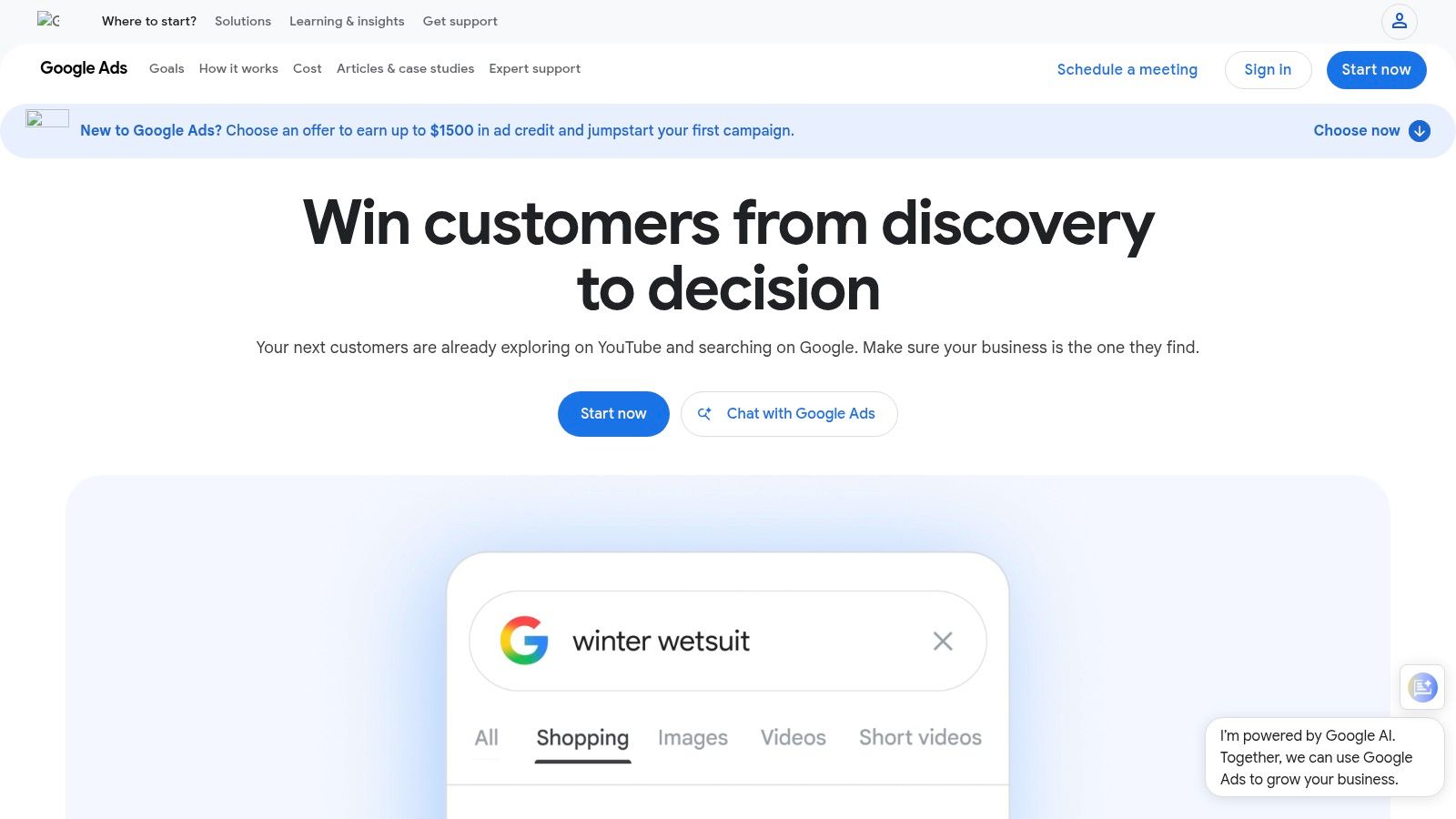
If you're paying for Google traffic, GA4 alone isn't enough. You also want Google Ads conversion tracking, because the ad platform needs its own clean conversion signal to optimise campaigns properly.
This matters most when you start running Shopping ads, Search ads, or branded campaigns for your store. If Google only sees clicks and not confirmed purchases, it can't learn which visitors are worth finding again.
When this tool earns its place
Google Ads conversion tracking records sales for the ad account itself. Enhanced Conversions adds first-party customer data in a privacy-conscious hashed format to help Google match conversions more reliably.
That sounds technical, but the store-level question is simple. Did the ad click lead to money, or only to traffic?
For a beginner selling locally, this usually matters once you've moved beyond posting products organically and started paying for visibility. South Africa's online retail market grew to R96 billion in 2024, representing 8% of total retail sales, and the same study projected it would pass R130 billion by the end of 2025, approaching 10% of the national market according to the 2025 Online Retail in South Africa study. In a market moving that quickly, guessing which ads work is expensive.
- Best for: Stores already spending on Google Ads.
- Strong point: Gives Google a direct purchase signal.
- Weak point: Duplicate conversions can happen if setup is messy.
A helpful companion read is Exerta's conversion attribution guide, especially if you're trying to understand why one sale can appear in more than one reporting tool.
What beginners should watch closely
You need order ID, value, and currency passing through correctly. If those are wrong, the reports become untrustworthy very quickly.
For a new store, keep this simple. Track purchases first. Don't rush into every micro-conversion unless you know how you'll use them.
3. Meta Pixel + Conversions API
If your shop gets attention from Facebook or Instagram, Meta Pixel is usually the next tool to add after your core analytics.
This one is especially relevant for South African makers. A lot of early sales start with a post, a reel, a boosted product, or a message that sends someone to the shop. Meta's tracking setup helps connect those visits and purchases back to your campaigns.
Why Meta matters for visual products
Meta Pixel tracks browser-side actions on your site. Conversions API sends similar event data from the server side. Used together, they give Meta a stronger signal and help with attribution and ad delivery, especially when browser restrictions make browser-only tracking less reliable.
If you run a jewellery, fashion, decor, or beauty store, this can be one of the first tools that makes your promotion more measurable. You can move beyond “people liked the post” to “people viewed this product, added it to cart, and bought”.
Browser-only tracking often misses part of the story. Pixel plus CAPI is more work, but it's the setup that makes more sense when Meta is a serious sales channel.
Where beginners go wrong
The hard part isn't installing it. The hard part is making sure events are correct and deduplicated so one purchase doesn't get counted twice.
For Shopstar merchants using Facebook product selling features, Shopstar's Facebook shopping feeds guide is a practical next step because it connects store products more directly with Meta's selling environment.
This tool is worth it when Instagram or Facebook already brings store visits. It's not worth adding just because everyone else mentions it. If you're not marketing there yet, keep your stack smaller.
4. TikTok Pixel + Events API
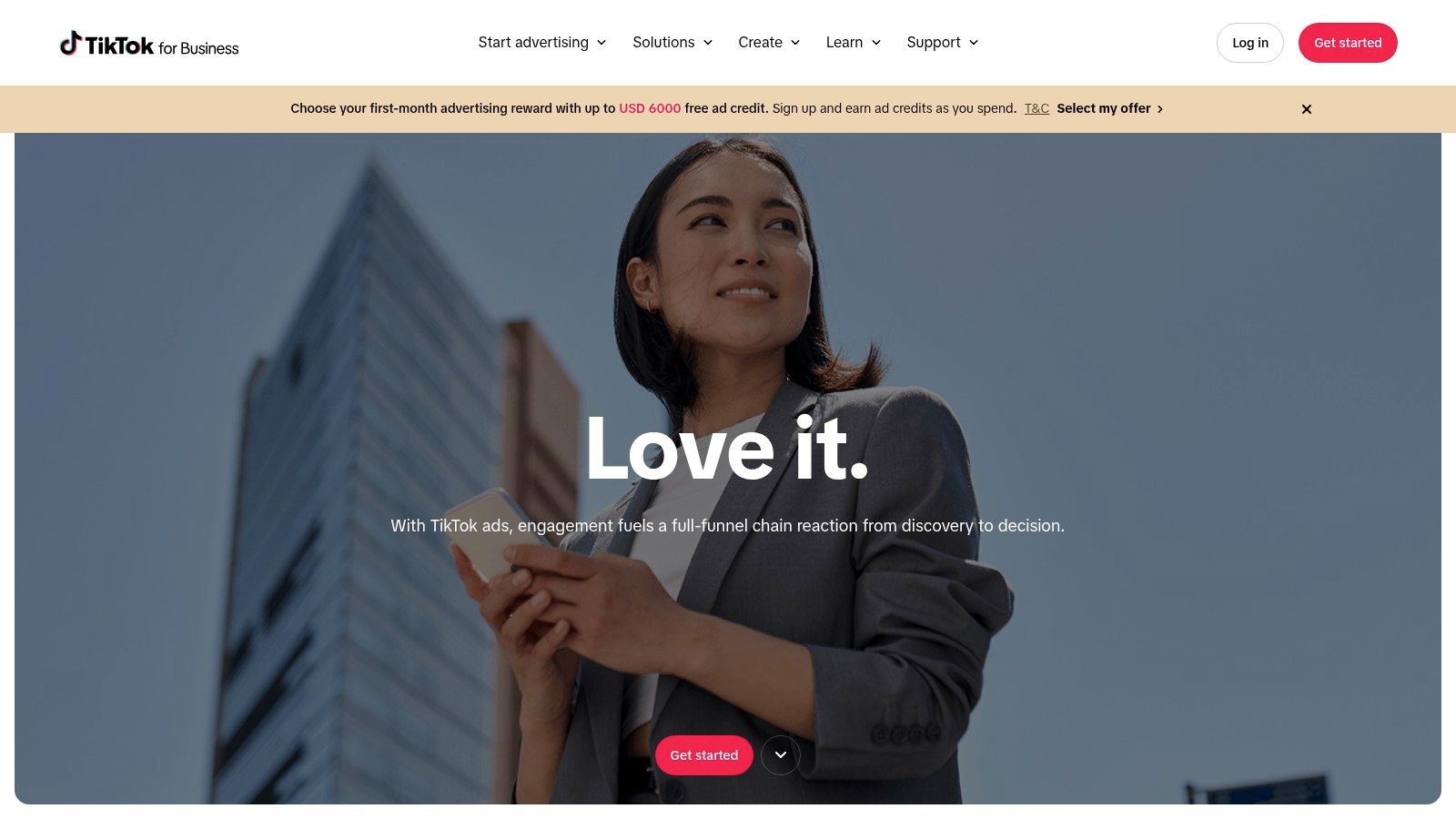
Some products sell because they're searched for. Others sell because people see them in motion. That's where TikTok Ads and its tracking setup can fit.
For South African stores with a younger audience, TikTok can be useful for product discovery. Think handmade jewellery, skincare, streetwear, gifts, or playful home items that look better in a short video than in a static listing.
What makes it beginner-friendly
TikTok offers Pixel, Events API, or both. It also has tools like Event Builder and partner integrations, which can reduce setup pain compared with a fully custom approach.
That's helpful if you want to test whether short-form content sends people to product pages or checkout. You don't need an advanced stack to start. You just need the basic events to tell you whether your videos create buyers or only views.
The trade-off
This setup gets more technical when you combine browser and server events, because deduplication becomes important. If you're still at the stage where you haven't clearly measured Instagram or Google yet, TikTok tracking may be one step too soon.
I'd keep this simple for a new seller:
- Use it when: TikTok is already bringing traffic or you're actively testing TikTok ads.
- Wait on it when: Your store is still trying to get basic GA4 and one ad channel working.
- Focus on: Product view, add to cart, initiate checkout, and purchase events.
This isn't a must-have for every beginner. It's a channel-specific tool. Add it when TikTok becomes a real part of how you sell.
5. Pinterest Tag + Conversions API
Pinterest doesn't suit every South African shop, but when it fits, it fits very well. If you sell decor, stationery, bridal products, kids' items, crafts, or jewellery with strong visual styling, Pinterest Business is worth a look.
People often arrive on Pinterest in planning mode. They're saving ideas, comparing styles, and building intent before they buy. That's different from a fast social scroll.
Where Pinterest tracking helps
Pinterest Tag tracks browser activity, while its Conversions API adds server-side data. Together, they help attribute sales back to visual discovery traffic, catalog engagement, and related campaign activity.
For stores that depend on inspiration-led buying, this is useful because last-click reports often miss earlier discovery moments. A shopper may save a product idea, come back later, and buy after a different visit.
- Best for: Visually driven niches.
-
Helpful feature: Event deduplication with
event_id. - Main caution: Local availability and support can vary, so account setup may need extra checking.
Good fit versus bad fit
A handmade jewellery brand with gift guides and styled collections could get value here. A store selling industrial spares probably won't.
This is one of those ecommerce tracking tools that should follow the product type. If your products don't naturally belong on a visual planning platform, you can skip it without missing much.
6. Microsoft Advertising UET
Not every shop needs Microsoft Advertising, but Microsoft Advertising UET is one of the simpler tracking tools on this list.
UET stands for Universal Event Tracking. In plain language, it's one tag that helps Microsoft Ads record conversions and build remarketing audiences.

Why some stores like it
The structure is straightforward. One tag covers the site, and you can set up purchase goals and remarketing without a lot of complexity.
That simplicity makes it appealing if you want a lighter ad tracking setup for Microsoft's network. It won't replace your main analytics, but it can support a paid search strategy if that channel matters to your audience.
Why most beginners can wait
Google still tends to be the first paid search focus for a new South African shop, so Microsoft Ads is usually a second or third step. Reach is smaller, and many beginners won't have enough campaign activity there to justify extra setup early on.
Worth knowing: Simple doesn't mean essential. A clean one-tag setup is nice, but it only matters if the ad channel itself matters to your shop.
If you do use Microsoft Ads, UET is easy to justify. If you don't, there's no need to install it just because it exists.
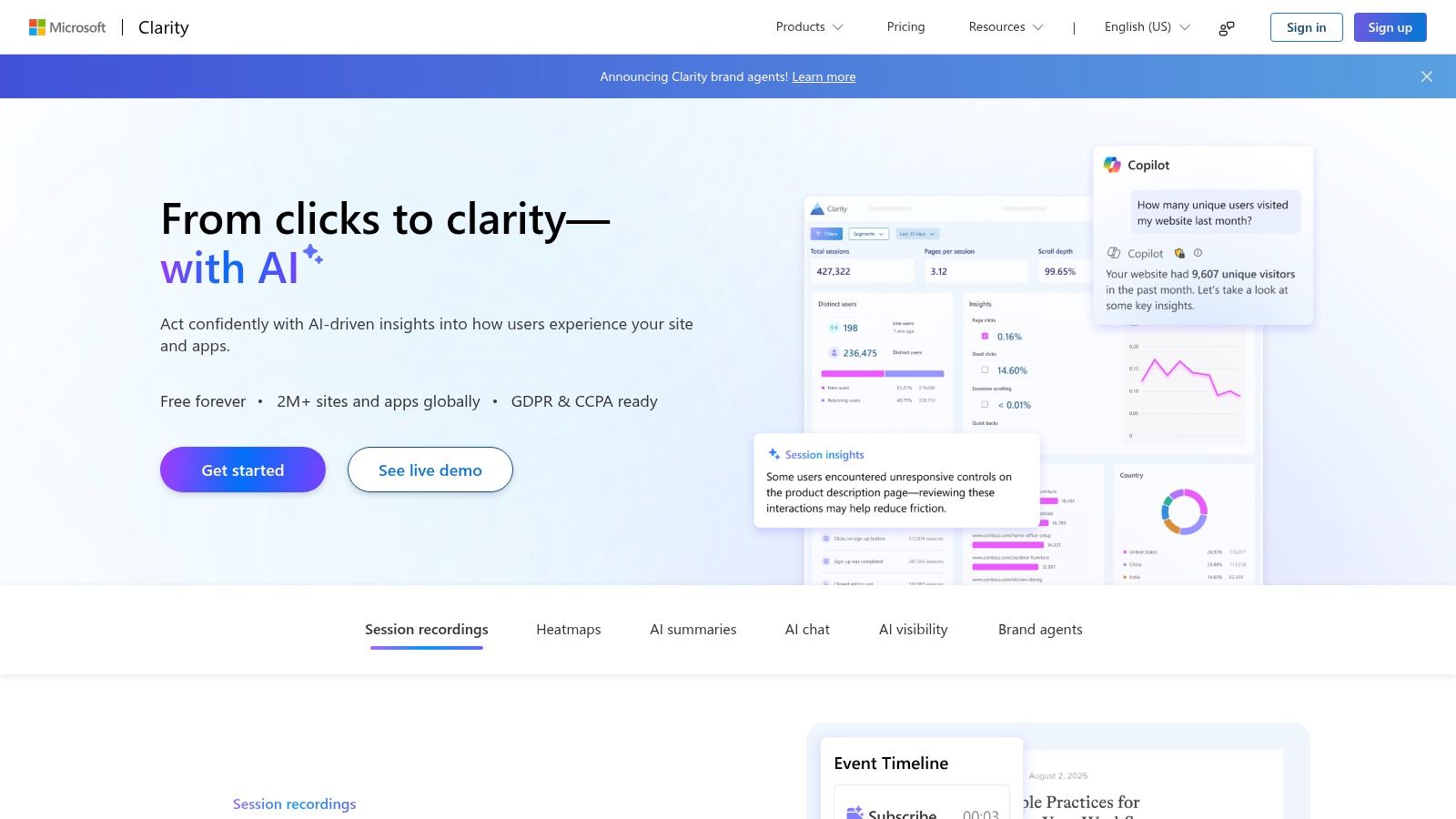
7. Microsoft Clarity
Some tools tell you what happened. Microsoft Clarity helps you see why it happened.
This is the tool I'd add when your reports show a problem, but you can't tell what shoppers are struggling with. Maybe people visit your product pages but don't add to cart. Maybe they begin checkout, then vanish. Clarity gives you heatmaps and session recordings so you can watch real browsing behaviour.
Why it matters in South Africa
South African ecommerce is strongly mobile-led. More than 77% of ecommerce purchases happen on mobile, cart abandonment is reported at 83% to 83.5%, and free delivery is the top purchase driver at 67.3%, according to South African ecommerce statistics compiled by GrowthPulse Media.
That's exactly the kind of environment where behaviour tools become useful. A store can look fine in traffic reports while shoppers are struggling on smaller screens, getting surprised by delivery costs, or dropping out at payment.
What Clarity is good at
Clarity is free and easy to add. It doesn't replace ecommerce analytics because it doesn't give you revenue reporting, but it complements GA4 very well.
- Use it for: Heatmaps, recordings, and friction spotting.
- Don't use it for: Revenue attribution or product sales reporting.
- Best beginner use case: Watching mobile checkout sessions after you notice drop-off.
If your question is “why are people leaving?”, Clarity is often enough.
8. Hotjar
Hotjar, now part of Contentsquare, sits in a similar category to Clarity but feels more research-focused. It's useful when you want heatmaps and session recordings, but also want to ask shoppers for feedback through surveys or on-site widgets.
That can be helpful for a niche shop where trust and clarity matter. A handmade skincare brand, for example, may want to know whether people understand ingredients, delivery timing, or return terms before buying.
Where Hotjar beats simpler tools
Hotjar is strong when behaviour alone isn't enough. Watching a recording may show that people hesitate on the checkout page. A quick survey can tell you whether the problem is shipping cost, trust, payment choice, or confusion about delivery.
That matters locally because delivery clearly affects buying decisions. The EFSA Ecommerce Report 2025 says 75% of consumers consider the delivery provider when deciding what to buy, based on the EFSA Ecommerce Report 2025. If you sell online in South Africa, shipping questions aren't a side issue.
The trade-off to be honest about
Clarity is often enough for a new store. Hotjar becomes more appealing when you want structured feedback and a more research-oriented workflow.
If your store pages also need clearer layout and better visual flow, it helps to revisit store design and layout basics. Tracking can reveal friction, but sometimes the fix is better page design.
I wouldn't start with both Clarity and Hotjar. Pick one behaviour tool, use it properly, and expand only if you outgrow it.
9. Mixpanel
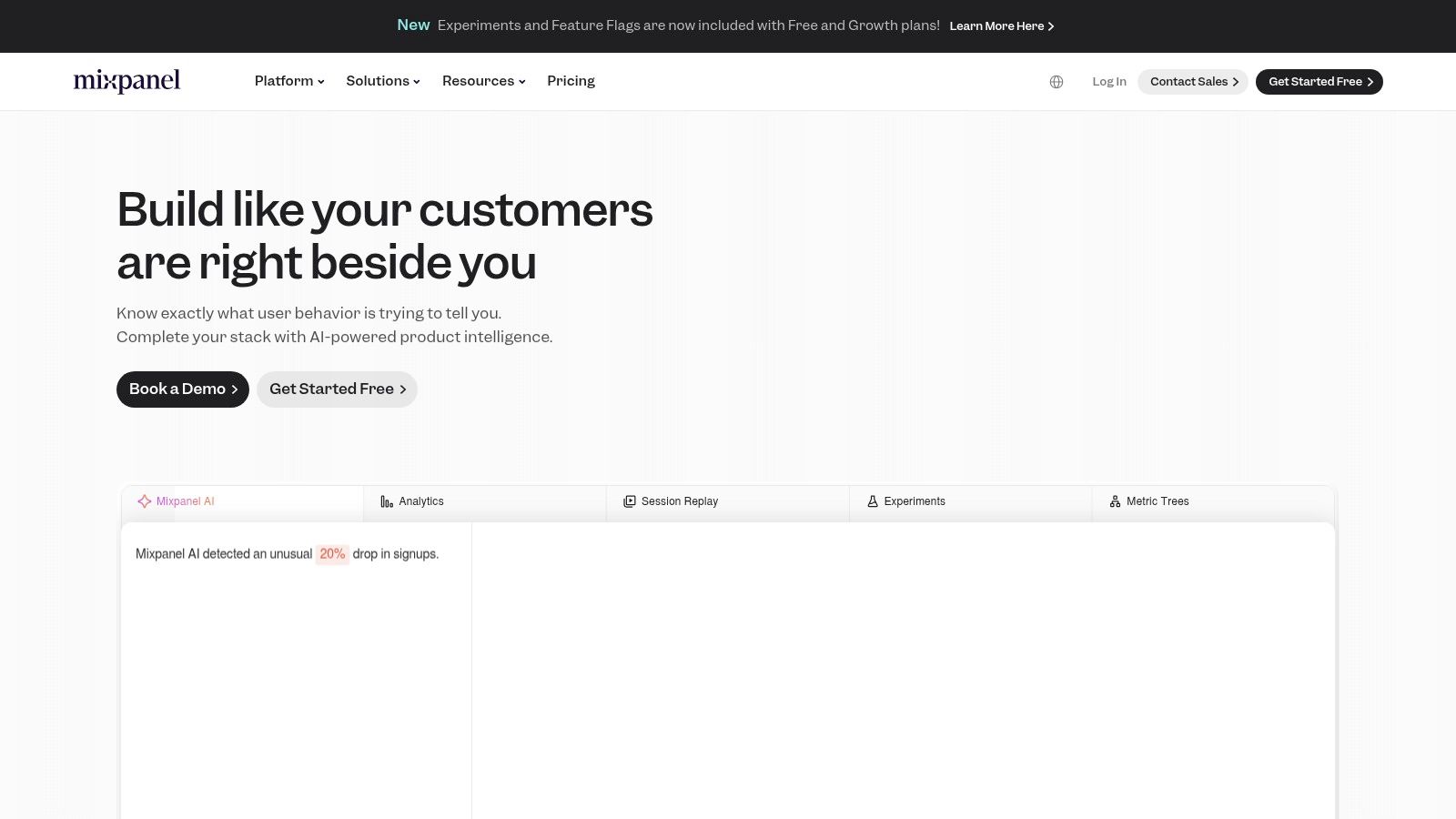
Mixpanel is where things start moving beyond beginner reporting. It's excellent for analysing user behaviour, funnels, retention, and cohorts, but most brand-new stores won't need it on day one.
Where it shines is repeat buying. If your store starts building a customer base and you want to understand who comes back, what they buy next, or which first purchase leads to future value, Mixpanel is much stronger than standard last-click analytics.
When Mixpanel starts making sense
A jewellery shop that launches with one product range may not need cohort analysis. But later, when that same store adds new collections, gift buyers, repeat customers, and seasonal campaigns, retention questions become important.
Mixpanel helps answer things like:
- Who returns: Which first-time buyers came back later.
- What drives repeat orders: Which first product or campaign led to stronger retention.
- Where people fall out: Which step in a multi-visit journey loses momentum.
Why beginners should be careful
The platform is event-heavy by design. That makes it powerful, but also easy to overcomplicate. If you don't have clear questions about retention or lifecycle behaviour yet, you can spend a lot of time setting up reports you won't use.
Start with Mixpanel only when “How do I get more repeat customers?” has become a real business question, not just a nice idea.
For most beginners, GA4 plus native store analytics is enough for quite a while.
10. Matomo
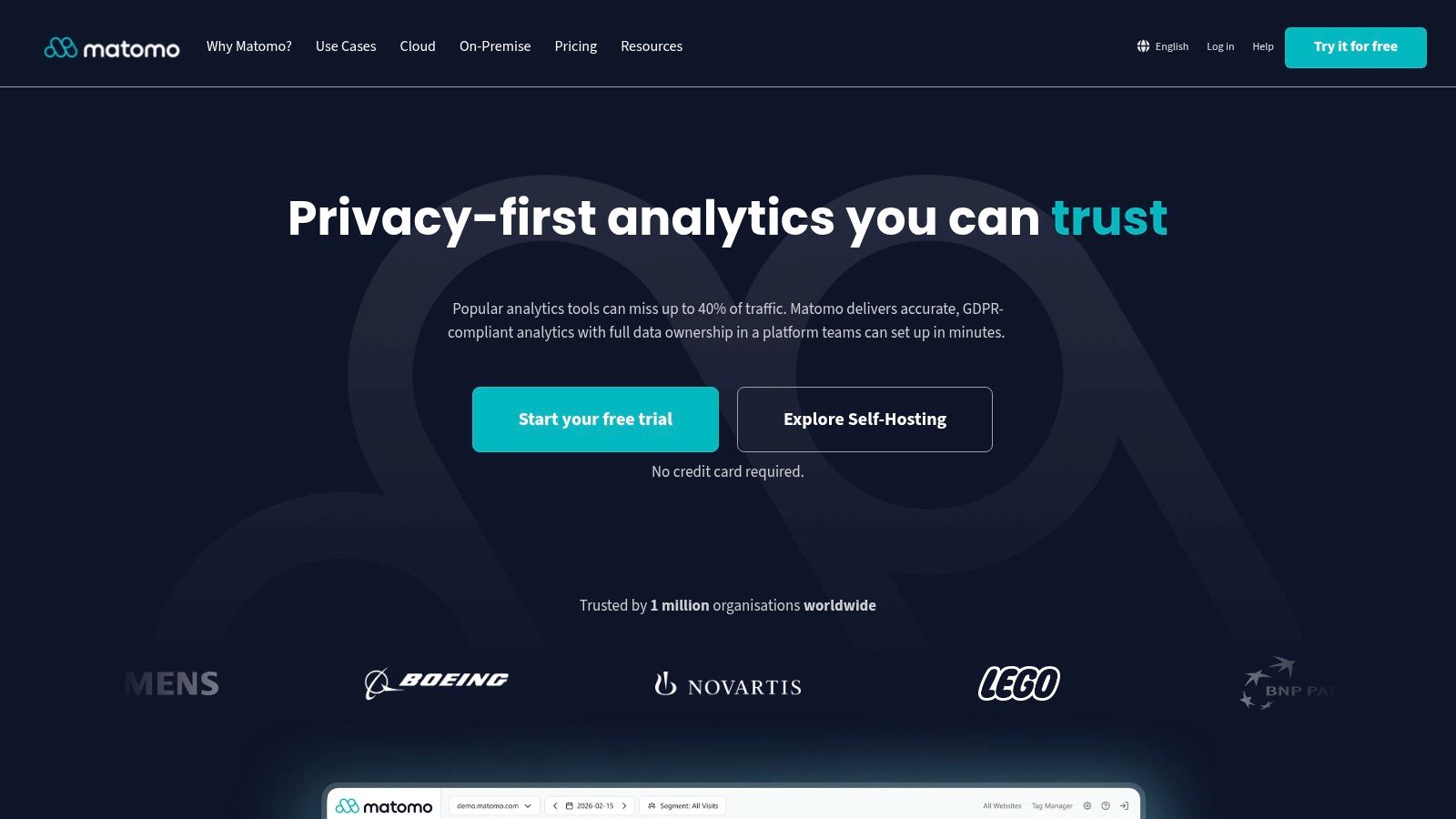
If privacy, data control, or POPIA concerns sit high on your list, Matomo deserves a serious look.
Matomo is often chosen by teams that want a fuller analytics platform without handing everything to Google. It supports ecommerce reporting, attribution, integrations, and tag management, and it gives you hosting choices through Cloud or On-Premise options.
Why it stands out
Data ownership is the big draw. If you're selling in a regulated niche, or you want more control over where analytics data lives and how it's handled, Matomo is a credible alternative to GA4.
That can matter in South Africa because tracking should be matched with consent and privacy practice, not just installed and forgotten.
Where it's less beginner-friendly
Self-hosting brings more maintenance. Even the cloud route usually needs more deliberate setup than a typical beginner wants.
South Africa's ecommerce sector has grown from R37.4 billion in 2018 to R86.8 billion in 2022, with a 23.4% average annual increase and a rise from 3.9% to 7.7% of total sales over the same period, as reported in the South Africa ecommerce market overview. As ecommerce becomes a bigger operating channel, stronger measurement and governance make more sense. But that doesn't mean every new seller needs the heavier setup from the start.
Matomo is best for shop owners who already know privacy and data control are central requirements, not optional extras.
Top 10 Ecommerce Tracking Tools Comparison
| Tool | Core features ✨ | UX / Quality ★ | Pricing / Value 💰 | Best for 👥 | Standout 🏆 |
|---|---|---|---|---|---|
| Google Analytics 4 (GA4) | Event-based ecommerce, item-level reports, BigQuery export ✨ | ★★★★, powerful but steeper learning curve | 💰 Free (standard); BigQuery costs for export | 👥 Stores needing baseline analytics + ad integration | 🏆 Robust free ecommerce reporting |
| Google Ads Conversion Tracking (Enhanced) | Sitewide conversion tag, Enhanced Conversions (hashed 1st‑party) ✨ | ★★★★, direct bidding signal; careful setup needed | 💰 Included with Ads; no extra platform fee | 👥 Advertisers running Google Ads campaigns | 🏆 Improves automated bidding & ROAS |
| Meta Pixel + Conversions API (CAPI) | Browser Pixel + server CAPI, deduplication, one‑click options ✨ | ★★★★, stronger attribution; technical QA required | 💰 Free to use; ad spend applies | 👥 Brands advertising on Facebook/Instagram | 🏆 Signal resilience & ad optimisation gains |
| TikTok Pixel + Events API | Pixel + Events API, no‑code Event Builder, local billing support ✨ | ★★★★, flexible setups; needs deduplication | 💰 Free implementation; ads billed separately | 👥 Youth‑focused & trend‑driven brands | 🏆 Strong reach among younger South African audiences |
| Pinterest Tag + Conversions API | Tag + server API, visual discovery attribution, Tag Helper ✨ | ★★★, useful but region/partner dependent | 💰 Free tag; potential partner costs for local support | 👥 Visual product brands (fashion, decor, crafts) | 🏆 Attribution for discovery-driven sales |
| Microsoft Advertising UET | Single UET tag for conversions & remarketing, Tag Helper ✨ | ★★★, simple but smaller SA reach | 💰 Free to implement; pay for ad spend | 👥 Advertisers using Microsoft/Bing ads | 🏆 Simple one‑tag remarketing setup |
| Microsoft Clarity | Heatmaps, session recordings, AI summaries ✨ | ★★★★, great qualitative UX insights, low impact | 💰 Completely free | 👥 Merchants diagnosing checkout/UX drop‑offs | 🏆 Free heatmaps & session replay at scale |
| Hotjar (Contentsquare) | Heatmaps, session replays, feedback widgets/surveys ✨ | ★★★★, researcher‑friendly; evolving pricing | 💰 Free entry tier; paid tiers for high volume | 👥 CRO/UX teams & conversion optimisers | 🏆 Mature UX toolkit + feedback capture |
| Mixpanel | Funnels, retention, cohorts, segmentation ✨ | ★★★★, excellent product & cohort analysis | 💰 Free tier (1M events); event‑based pricing above | 👥 Stores focused on retention & LTV | 🏆 Deep funnel & cohort analytics |
| Matomo (Cloud / On‑Prem) | Privacy-first analytics, ecommerce reports, self‑host option ✨ | ★★★★, strong for compliance; more maintenance on self‑host | 💰 Cloud paid; On‑Premise Community free (self‑host) | 👥 Privacy/POPIA‑sensitive or regulated stores | 🏆 Full data ownership & residency control |
Build a Tracking Stack You Will Actually Use
There isn't one winner for every shop. The right setup depends on the questions your store needs answered right now.
For most South African beginners, the sensible starting point is Google Analytics 4 or a similar core analytics platform. You need one dependable place to measure traffic, product views, checkout starts, and purchases. Without that base, the rest of your stack becomes noisy. You'll have ad reports, store reports, and behaviour tools all telling partial stories.
After that, add the ad platform that already brings customers. If Google ads are active, use Google Ads conversion tracking. If Instagram or Facebook is the main growth channel, add Meta Pixel and Conversions API. If TikTok is driving product discovery, use TikTok's tracking setup. Don't install every ad tag because you might use it one day. Install the one that supports your current selling channel.
When the question changes from “where did the sale come from?” to “why are people leaving?”, that's the time for Clarity or Hotjar. Clarity is usually the easier first choice because it's simple and free. Hotjar becomes more useful when you want feedback widgets and a more structured research workflow.
Mixpanel and Matomo sit a bit further down the road. Mixpanel is for deeper retention and customer journey analysis. Matomo is for merchants who care strongly about privacy, data ownership, and setup control. Both are good tools. Neither is the right first tool for most new sellers.
South African payment behaviour also makes focused tracking important. A 2025 Mastercard survey found EFT usage at 94.5%, debit cards at 93.5%, credit cards at 75.6%, and instant EFT or PayShap at 40.8%, according to the Mastercard South Africa online retail survey. PPRO also lists South Africa's payment method mix as 43% card, 22% bank transfer, 20% e-wallet, and 9% cash, with card scheme share at 52% Visa, 47% Mastercard, and 1% American Express in its South Africa payments overview. That's why checkout tracking isn't optional. You need to see which payment choices and paths are helping people finish orders.
One more reason to stay disciplined is that ecommerce is still growing fast within the country's card economy. RMB reported that ecommerce card purchases were 8% of total card purchases in South Africa and projected that share to rise to 20% within five years, implying average annual growth of 16%, according to RMB's ecommerce growth outlook. Tracking is becoming part of normal retail operations, not a nice extra.
A simple launch routine works well:
- Define the key events: Purchase, add to cart, and checkout start come first.
- Check values carefully: Make sure product value and currency are passed correctly.
- Test one real journey: Visit the shop, add a product, and place a test order.
- Look for duplicates: Confirm that one order becomes one conversion where it should.
- Review regularly: Reports only help if you check them and act on them.
If you want more ideas on what a stronger reporting setup can look like on other ecommerce platforms, this guide to best analytics for Shopify stores is a useful comparison point.
Shopstar can provide the store foundation, and your tracking setup should support the decisions that improve your products, promotion, checkout, and sales. That's the goal. Not more dashboards. Better decisions.
Shopstar gives South African makers a local ecommerce platform with store analytics, social selling tools, and tracking connections for tools like GA4, Facebook Pixel, and TikTok Pixel. If you want a shop setup that makes it easier to launch, sell, and measure what's working without stitching everything together from scratch, visit Shopstar.


